
Bus Simulator Ultimate Customization Guide: Skins, Upgrades and Everything In Between (2026)
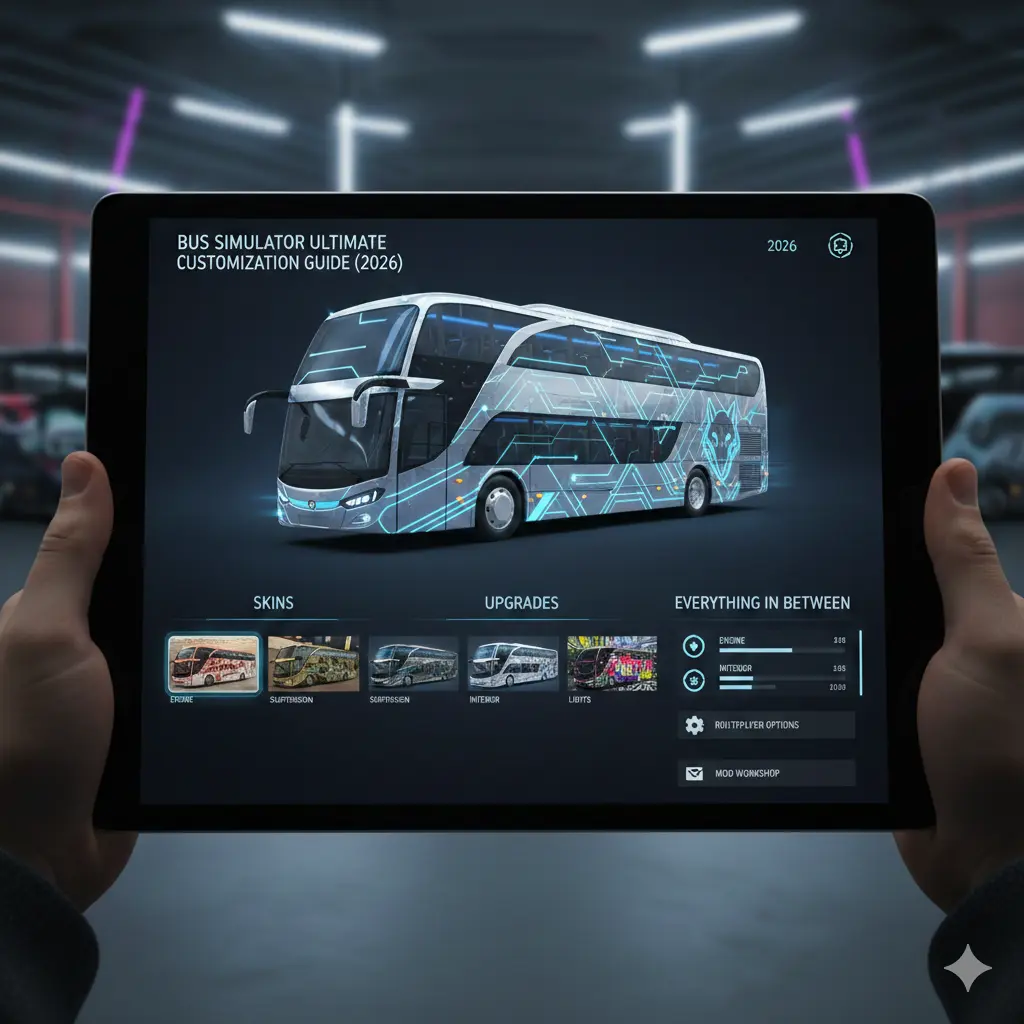
Customization in Bus Simulator Ultimate goes deeper than picking a paint color and calling it done. Some upgrades directly affect passenger satisfaction, fuel efficiency, and your bottom line. Installing Wi-Fi generates a satisfaction bonus. Upgrading your braking system reduces damage penalties. Adding air conditioning affects how passengers rate comfort on long routes. The line between making your bus look good and making your bus earn more is blurrier than it first appears.
This guide covers every customization option Zuuks Games built into the game: paint and skins, performance upgrades that actually matter, interior options that boost satisfaction scores, livery design principles, and the Michelin tire upgrade that many players unlock without fully understanding what it does.
How Do You Customize Buses?
Everything customization-related lives in the Garage. From the main menu, tap Garage, select the bus you want to modify, and you will find three main tabs: Exterior, Interior, and Upgrades. Most players spend all their time in Exterior and skip the other two, which is a mistake, especially the Upgrades tab.
The Exterior Tab: Paint, Skins, and Plates
The Exterior tab gives you three layers of visual customization. Paint applies a solid base coat in your chosen color to the entire bus body, the fastest way to distinguish your fleet from the default look. Skins are pre-designed livery patterns that wrap the full exterior in one tap, some available free from the start, with premium designs available through gold coins or the DLC store. Wheel plates are a subtle detail on the wheel covers, visible mainly on the exterior camera while driving.
Different vehicle types have different available skin choices, a skin designed for one bus model will not appear as an option for a different one, so it is worth checking compatibility before purchasing a DLC pack.
The Interior Tab: More Than Decoration
The Interior tab lets you change seat upholstery color and pattern, dashboard layout, and the visual style of interior fittings. This is only visible in first-person cockpit view, which is part of why many players skip it, but if you enjoy driving from that perspective, interior customization changes how personal the bus feels.
What’s Free vs What Costs Real Money?
| Customization Type | Cost | Notes |
|---|---|---|
| Solid paint colors | Coins | All colors available |
| Default skins | Free | Limited selection, unlocked from start |
| Premium DLC skins | Gold or real money | Licensed designs, bus-specific |
| Wheel plates | Coins | Minor visual only |
| Interior seat and dash changes | Coins | Visible in cockpit view only |
| Custom plates | Coins | Visible in exterior close-up |
| Performance upgrades | Coins | Engine, tires, braking, GPS |
| Passenger amenities | Coins | Wi-Fi, AC, WC, entertainment |
The important takeaway: everything that actually affects gameplay, performance upgrades and passenger amenities, costs only coins, not real money. Real money is reserved for cosmetic DLC skins, which means you can build a fully optimized, high-performing, passenger-satisfying bus without spending anything beyond normal play. The money guide covers how to earn coins fast enough to afford every functional upgrade.
Finding Custom Skins
Beyond the in-game DLC store, a community skin scene exists online where players share custom designs, often including realistic national bus company liveries, sports team wraps, and country flag themes. If you look for community skins, stick to sources that let you preview the design before downloading, and be cautious of any site or app that asks for unnecessary device permissions just to browse skins. The safest approach is using the in-game import options the game itself supports rather than third-party file installs from unfamiliar sources.
Which Performance Upgrades Actually Matter?
Many players default to maxing out the engine first and are surprised when earnings barely move. The engine matters, but it is rarely the upgrade with the best return.
Priority 1: Advanced Braking System
This upgrade tends to pay back fastest. It reduces the damage your bus takes from hard braking events, and fewer damage events means lower repair costs and better passenger comfort ratings, since passengers do notice a smooth stop versus a jarring one. On a high frequency medium route, this upgrade tends to pay for itself within a reasonable number of trips.
Priority 2: Tire Upgrade
The tire upgrade line includes a Michelin branded tier, styled after the real tire manufacturer. Upgraded tires generally improve handling stability on mountain and off-road sections, reduce fuel consumption on long haul routes, and improve wet weather performance. The fuel savings alone tend to justify the upgrade on any bus you run regularly, and it is generally worth prioritizing tires ahead of the engine for buses primarily used on medium and long routes.
Priority 3: GPS and Telematics System
This upgrade provides a clearer minimap with earlier warnings for upcoming speed limit changes, intersections, and turns. It matters less for players who already know their routes well, but is genuinely useful on unfamiliar routes or at night. It also modestly improves how efficiently AI drivers navigate assigned routes.
Priority 4: Engine Upgrade
Engine upgrades increase top speed and acceleration, but matter less than most players assume for profit, since speeding penalties tend to cost more in satisfaction than the time saved is worth. Engine upgrades help most on mountain routes where maintaining speed on gradients matters, and least on flat highway routes. This is generally the upgrade to buy last. The best buses ranked guide covers which buses suit which upgrade priorities.
Priority 5: Cameras and Sensors
Parking cameras and proximity sensors reduce the difficulty of precise terminal parking. If you consistently lose satisfaction points on parking, this upgrade directly addresses that. If you have already mastered terminal parking, this is a reasonable one to skip in favor of braking or tires.
How Does Interior Customization Affect Passenger Satisfaction?
Wi-Fi
Wi-Fi tends to be the interior upgrade with the most consistent satisfaction impact. Passengers on longer routes actively request internet connectivity, and installing and activating it generally applies a steady satisfaction bonus across the whole trip. Any bus used on medium and long routes benefits from having it installed.
Air Conditioning
AC provides a moderate satisfaction boost on routes through hot weather regions. It matters less on cooler climate routes, so prioritize it based on which regions your fleet actually operates in.
WC Restroom
The onboard toilet matters on longer routes, and passengers on extended runs will request it. Installing it in the Garage is only half the requirement, it also needs to be activated from the driver control panel at the start of the route for the satisfaction benefit to apply.
Entertainment System
Onboard screens and audio provide a modest satisfaction boost, noticeably smaller than Wi-Fi or the restroom. This is worth installing after the more impactful amenities rather than as a priority purchase.
LED Lights
Purely cosmetic, with no measurable effect on passenger satisfaction. If you enjoy how your bus looks from the driver’s seat at night, it is a reasonable small purchase, just don’t expect it to move your earnings.
How Do You Design a Livery That Stands Out?
Livery design works through a template system, where a flat image wraps around the 3D bus model, so your design needs to account for how it folds around door frames, wheel arches, and window panels.
Use High Contrast for Visibility
Your livery is most visible from the exterior camera while driving and to other players in multiplayer. High contrast designs, a dark base with a bright stripe, or a bold solid color with clear lettering, read well at distance and in motion. Subtle gradients that look great as a static thumbnail can become hard to make out at speed, so it is worth designing for motion rather than for the preview screen.
Where Designs Break
Elements placed near door seams, wheel arch edges, and window cutouts can distort when wrapped onto the 3D model. Using the in-game preview to check your design from multiple angles before finalizing helps catch this, and leaving a reasonable clear margin around door edges and window frames in your design file avoids most distortion issues.
Company Logo Placement
Your company logo appears as a separate layer on top of the base skin in designated spots, typically the front fascia, side body, and rear panel. Setting up your company logo in the Company section of the main menu first means it will automatically populate into those zones whenever you apply a skin.
Frequently Asked Questions
Q: Does customization affect earnings in Bus Simulator Ultimate?
Not directly through appearance alone, but indirectly and meaningfully. Interior amenities like Wi-Fi, AC, and the restroom improve passenger satisfaction scores, which raises your route bonus. Performance upgrades like the braking system and tires reduce damage events and fuel costs. A fully upgraded bus with all amenities installed tends to earn noticeably more per route than an unupgraded one, driven by satisfaction and cost savings rather than looks. The money guide covers how satisfaction connects to earnings in full.
Q: Why can’t I see my downloaded skin in the Garage?
The most common causes are an unsupported file format, the file being placed in the wrong location, or the game needing a restart after a file-based install to detect a new skin. If you are using a URL-based import method, double check the link points directly to an image file rather than a webpage.
Q: Are there free premium-quality skins available?
Yes, primarily through earning gold via daily logins, gift boxes, and objectives, then spending that gold on DLC skin packs without real money. A patient player can accumulate enough gold for premium skins over time through normal play.
Q: What skin format does the game use?
The game accepts PNG and JPG image files. PNG is generally preferred since it supports transparency, which helps skin designs blend cleanly with the bus’s base paint color rather than showing a forced solid fill.
Q: Can I create my own custom livery design?
Yes, using an image editor and the bus’s template dimensions as a guide, positioning your design around the panel boundaries, door seams, and window cutouts so it wraps correctly onto the 3D model. Starting with a simple single color base plus one stripe is a reasonable way to learn how the template maps before attempting a more complex design.
Q: Are Michelin branded tires actually different from standard tires?
Yes, in terms of in-game effect. They generally provide better wet and off-road handling, improved fuel efficiency on longer routes, and a distinct visual appearance on close-up exterior views. Upgrading tires is generally worth prioritizing ahead of the engine for buses running medium to long routes regularly.
Q: Does my company logo appear on my bus automatically?
Your logo applies to designated zones on any skin you use, but only reflects whatever you have set in your Company settings. Setting up your company name, color scheme, and logo before applying skins ensures your actual identity shows up rather than a placeholder. Your logo is also visible to other players in multiplayer.
Q: Is Wi-Fi worth installing on every bus?
On routes over roughly 1,000 km, generally yes. On short routes, the benefit is smaller since the trip completes before passengers meaningfully engage with it. For AI driver-assigned buses on medium and long routes, it is particularly worthwhile, since it raises the driver’s baseline satisfaction on every run they complete.
Q: Can other players see my custom skin in multiplayer?
Yes, your livery and company branding are generally visible to other players in Ultimate League and standard multiplayer sessions, though community-installed skins can sometimes render differently depending on the other player’s game version. DLC skins purchased through the in-game store are reliably visible to everyone.
Make Your Fleet Yours
The performance upgrades justify themselves financially, and the passenger amenities improve your earnings directly. The paint, the skins, and the liveries are about making the grind feel personal, and in a game you might play for hundreds of hours, that matters more than a spreadsheet can measure.
For the buses worth investing in before you start upgrading them, the best buses ranked guide has everything you need. For routes worth running with a fully upgraded bus, the routes guide has the profit data. And if you want every skin, upgrade, and bus unlocked from the very beginning, the MOD APK skips the grind entirely.